
A laptop wont turn on for four different reasons, and the order we check matters.
Charger, battery, power button, or board. We narrow it down for free before anyone talks about a price.
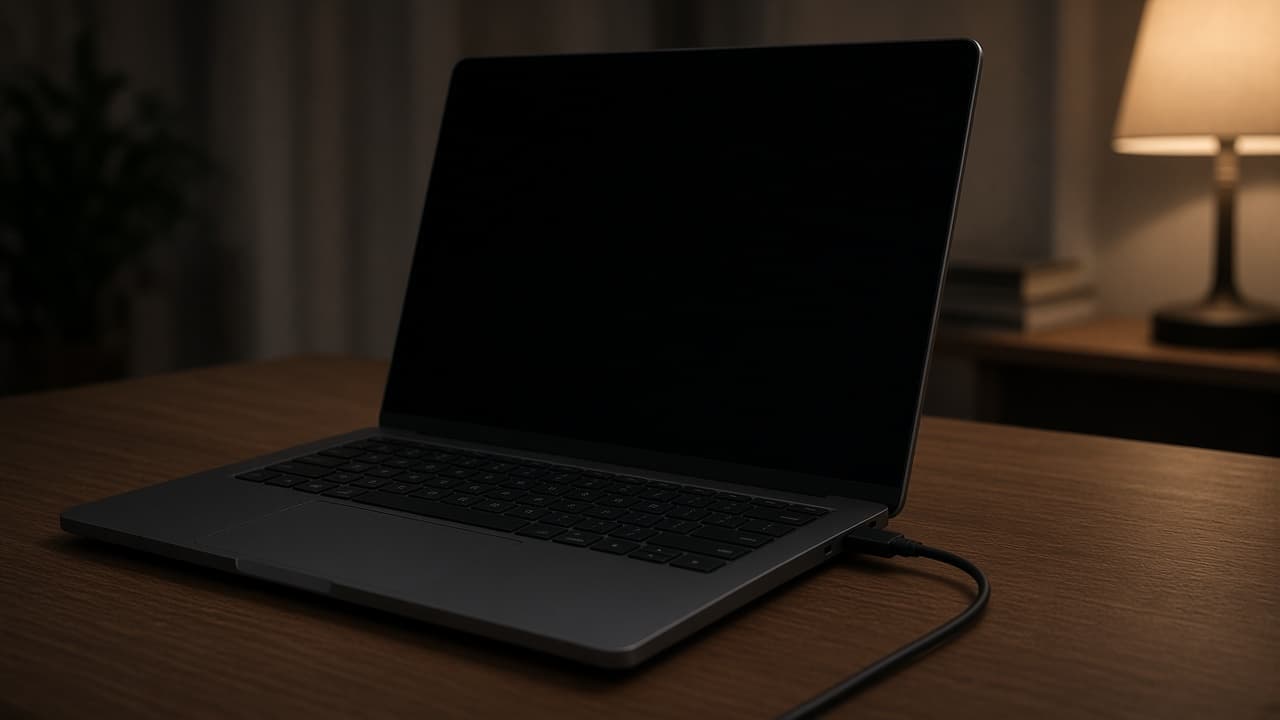
When a laptop wont turn on, the fault is usually one of four things: the charger, the battery, the power button, or the board. Guessing costs money. We diagnose free at seven Lehigh Valley stores, 10 AM to 8 PM, and write the quote before we open the machine.
Written by the technicians at Quick Cellphone Repair. This is how we handle this job at our seven Lehigh Valley stores — not a generic web article.
We diagnose dead laptops at all seven Quick Cellphone Repair counters, open 10 AM to 8 PM every day since 2015. Diagnosis is free. Bring the laptop and the charger, because the charger is the single most common cause and the fastest one to rule out. We test with a known-good adapter first, then the battery, then whether the board takes power at all. We service Mac and PC laptops: screen replacement, keyboard and trackpad repair, battery service, virus removal, and data recovery. We do not advertise board-level micro-soldering, so if the diagnosis lands on the motherboard we tell you that instead of taking the machine apart. Laptop parts are model-specific, so call 484-268-9337 with the model number from the bottom sticker before you drive across the valley. We do not do mail-in laptop repair, and the machine stays at the store you walked into.
Is there any sign of life at all
There is a real difference between nothing and almost nothing. A laptop with no light, no fan, and no sound when you press power is a power-delivery problem. A laptop that lights up, spins a fan, and then shows a black screen is not the same fault, and it is often the display rather than the power.
Check in a dark room. A faint image on a black screen means the panel is receiving a picture and the backlight is not lighting it. That is a screen job, and it is covered in our laptop screen repair guide rather than this one.
Listen too. A click, a beep, or a fan that spins up and immediately stops tells us the board is trying. Silence tells us it is not getting that far.
The charger is the first suspect
Chargers fail more often than laptops do. The cable flexes at the plug thousands of times and the wires inside break where you cannot see them. A charger that works at one angle and not another is already broken even if the light still comes on.
Look at the charging indicator on the laptop, not the brick. If the laptop shows no charge light with the adapter plugged in, either the adapter is dead or the port is. We keep known-good adapters at the counter and we test both.
Try a different wall outlet before you drive over. It takes ten seconds and we have sent people home happy for exactly that reason.
Then the battery
A laptop with a failed battery can refuse to start even with the charger attached, because some models will not boot on adapter power alone once the cell is beyond a certain state. Others boot fine on the charger and die the instant you unplug.
If the laptop runs plugged in and dies unplugged, you are looking at battery service, not a mystery. That is a part we fit. Read laptop battery replacement for what that visit looks like.
A battery that has swollen enough to push the trackpad or the bottom panel out of shape is a same-day walk-in. Do not keep charging it and do not press it flat.
What happens if it is the board
Sometimes the adapter is good, the battery is good, and the board still will not take power. At that point the honest answer is that the repair is bigger than what we advertise. We are not a micro-soldering lab and we will not pretend otherwise to keep your machine on our shelf.
What we can still do is get your files off it. Data recovery and transfer is a service at every store, so a laptop we cannot revive is not automatically a laptop that took your photos with it.
Everything we do repair on a laptop is listed on the laptop repair page. Diagnosis is free either way, and you can walk out with the machine unopened.
The other guide
Runs plugged in, dies unplugged. That is a cell, not a mystery. Swelling is a same-day walk-in.
Laptop Battery Replacement SignsFrequently asked questions
Answers about laptop wont turn on at our seven Lehigh Valley stores.
No. Walk into any of the seven stores between 10 AM and 8 PM, seven days a week. Bring the charger with you, because that is the first thing we test and it is the most common cause. Diagnosis is free and you can leave with the laptop if you do not like the quote.
Walk in with the phone. We quote before we start.
Seven Lehigh Valley stores, 10 AM to 8 PM. Most in-stock screen and battery jobs finish in 30 to 60 minutes.