
Water-damaged Android? Power off, pop the SIM if it has one, bring it in.
Galaxy USB-C wells hold liquid. Pixel trays are easy to get wrong. Here is the first hour, without rice myths, and how we inspect in the shop.
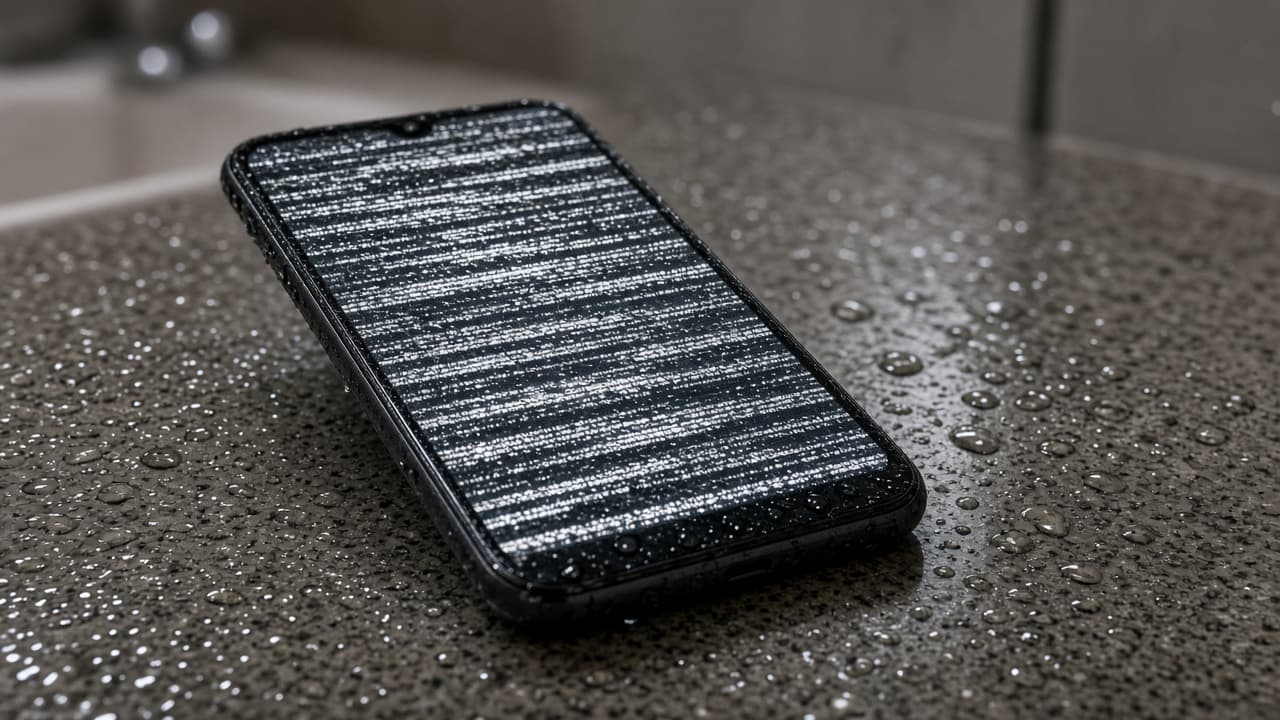
A water-damaged Android can still be saved if you stop charging it. Power it off. Skip the rice. We inspect water-damaged Androids at all seven Lehigh Valley stores. Walk in. We quote after we look. Some Galaxies need a board. Some need a dry USB-C port. We will say which.
USB-C on a Galaxy holds liquid in a well you cannot see. Seven stores. 10 AM to 8 PM (7 PM in Emmaus). We have opened wet Androids here since 2025. We check the SIM tray if the phone has one, the USB-C port, the back glass, and the board. We do not promise a 30 to 60 minute miracle on a stained board. That window is for in-stock glass and cells. A water-damaged Android may need a day. Emmaus takes 10% off qualifying repairs. We will not invent a save rate. If the quote is more than a shop Android, we say so. You should not pay us to fail. Power it off for the drive. Pop the SIM tray if the phone has one. Do not blow a hair dryer into the port. Heat plus water cooks the charge IC.
First hour on a wet Galaxy or Pixel
Power off. Unplug USB-C. Skip wireless pads. If the phone has a SIM tray, pop it and let the slot face down. Do not shake it like a ketchup bottle. Do not blow a hair dryer into the port. Heat plus water cooks the charge IC.
Rice is still a bad idea on Android. Starch in USB-C is how we end up replacing a port that might have been a dry. Bring the phone dirty. We would rather clean it than pick rice out of the receptacle.
Tell us if it was a pool, a sink, or a toilet. Those liquids are not the same. We would rather know. Dual-SIM trays and SD slots on older Motorolas are extra holes. Mention them. We will look.
What the bench check actually is
We open when it is safe. Swollen cells get handled as a safety job. Green crust on a Galaxy board is the fork: clean and test, or stop. We talk before we spend your money. Fingerprint readers under wet OLED can fail later. We warn you.
USB-C corrosion can look like Android will not charge. If the rest of the phone is dry, a port may be enough. If the board is stained, a port is a waste. Diagnosis is how we tell those apart.
Liquid coverage is narrower than a 10-day parts warranty. Read the repair policy. Ask before we start. Delayed failures happen. We will not sell you a guarantee the board cannot keep.
Same-day walk-in, honest timeline
Come to Emmaus, Breinigsville, Fogelsville, Walnutport, Bath, Nazareth, or Bangor between 10 AM and 8 PM (7 PM in Emmaus). Phone off. Cable unplugged. If it was charging when it got wet, say so.
We quote after inspection. If we can dry and you can wait, we give you a time. If you need a working phone today, we sell those too. We will not clock a wet board like a screen swap.
Keep the ticket. New liquid after pickup is not warranty. That is the same rule on every liquid job we write.
Wet iPhones are a different first hour
No SIM tray on newer iPhones. Lightning versus USB-C. Face ID flexes. That is water-damaged iPhone. This page stays on Galaxy, Pixel, and the Androids we can open without guessing.
The iPhone version of this guide
A wet iPhone is a board risk, not a DIY rice job. Here is what to do in the first hour and what we actually inspect in the shop.
Water-Damaged iPhone: What To Do FirstFrequently asked questions
Answers about water-damaged Android at our seven Lehigh Valley stores.
No. Rice packs starch into USB-C and speakers. It does not dry a board. Power the phone off. Pop the SIM tray if it has one. Walk into any of our seven stores from 10 AM to 8 PM (7 PM in Emmaus). We inspect on the bench, not in a kitchen bowl.
Sometimes. We will not print a fake percentage. Light corrosion can clean. Deep board stain often means a replacement phone. You get that after we look. A parking-lot yes would be a lie, so we do not give one. Bring it in powered off.
No. A 10-day parts warranty is not a swim warranty. If we take a wet Android job, ask the technician what the parts warranty covers before we start. Read the repair policy. Ask before we start so the limit is clear.
Same day if you can. Corrosion does not pause overnight. We are open 10 AM to 8 PM (7 PM in Emmaus), seven days a week. Keep the phone off for the drive. Do not keep booting it to see if the logo still shows. That boot is another wet cycle.
If the phone has a tray, pop it and leave the slot open on the way in. Do not pry a phone that has eSIM only. When you are not sure, leave it and let us open it. A bent tray is a small extra problem we do not need.
We may point you at a shop Android or talk parts. That depends on the board. We will not invent a trade-in number in this article. Ask after inspection. An honest no is better than a paid failure. Walk in and we will look first.
Walk in with the phone. We quote before we start.
Seven Lehigh Valley stores, 10 AM to 8 PM (7 PM in Emmaus). Most in-stock screen and battery jobs finish in 30 to 60 minutes.